


What's inside
Everything in one place, one tap away.

Monthly, weekly & daily
Plan every day, your way.
A monthly calendar with plan & habits pages, three weekly layouts (List, Box and an hourly Schedule) and Plan, Faith & Simple pages for every day, all one tap apart.


Elevate your faith
Your quiet time & to-do list, in one place.
Start your day in the Word, then plan it, all in the same place. Each day has a Faith page with the daily reading, room for reflection and a fruit of the Spirit focus.
Bonus quarter
Start now, not January.
October, November and December 2026 are included, flowing straight into 2027. Start now and step into the new year ahead.
Frequently asked questions
I've never used a digital planner. Is it easy?
Yes! Open it in GoodNotes or Notability, tap a date and start writing. Every page is one tap from the dashboard, and the how-to guide walks you through setup in a few minutes.
How do I get my planner?
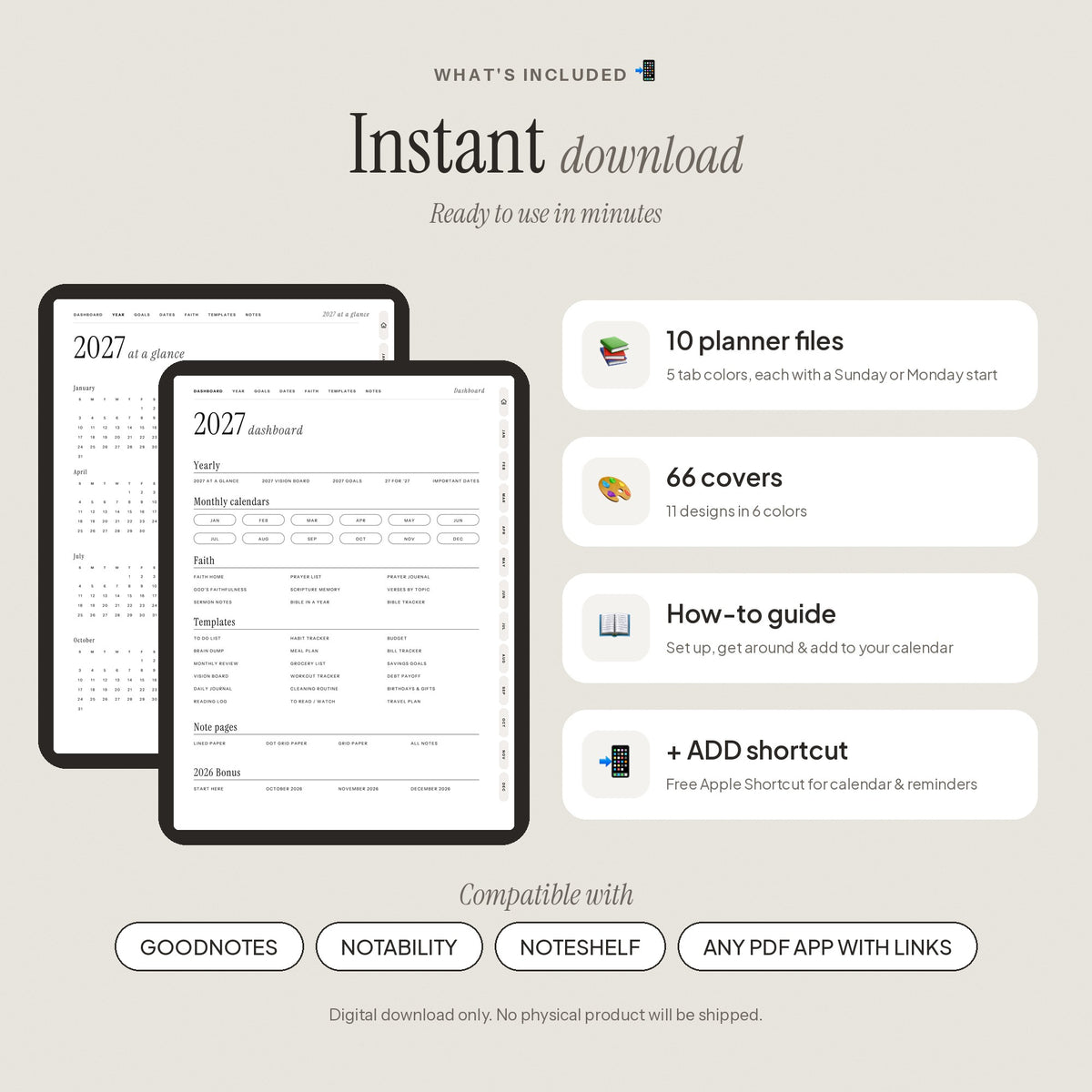
Right after checkout you'll see a download link on your order page, and it's emailed to you too. You'll get 10 planner files, 66 covers and a how-to guide. Open the planner you want in your note app.
What apps does it work with?
GoodNotes, Notability, Noteshelf and most PDF note apps with links, on iPad and Android tablets. A stylus is recommended.
Which planner file do I use?
Pick your favorite tab color (Oat, Sage, Palest Pink, Dusty Blue or Prism), then Sunday or Monday start. Every file has the same pages, and all 10 are included.
How does the calendar shortcut work?
Add our free Apple Shortcut once (iPad & iPhone, the how-to guide walks you through it). Then tap + ADD on any day, week or month to add an event to Apple or Google Calendar, set a reminder or ask ChatGPT.
What's your refund policy?
Because your planner is an instant digital download, all sales are final. But if anything isn't working, from a download link to a file that won't open, email hello@shopfaithfullymade.com and we'll make it right.
